Think of the M3U playlist and XMLTV guide as two coordinated files. The M3U answers “what can the player open?” The XMLTV file answers “what is on that channel, and when?” A shared identifier connects the two.
Important: an XMLTV URL is guide data, not a channel subscription. You still need a lawful playlist source and a player that supports M3U and XMLTV.
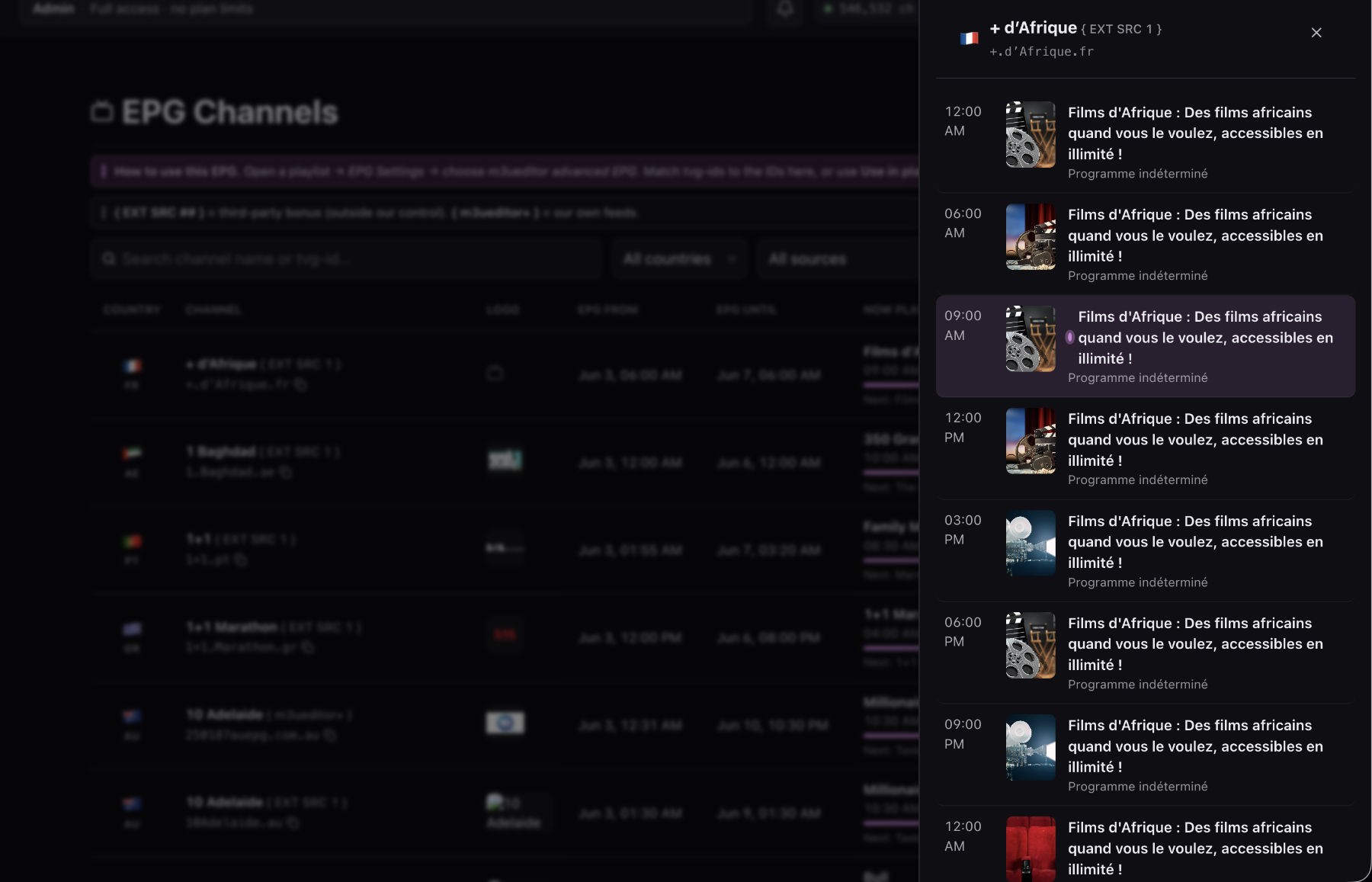
How an XMLTV file is structured
XMLTV is XML. A typical document has channel definitions followed by programme entries. The simplified example below shows the relationship:
<channel id="news.example">
  <display-name>Example News</display-name>
</channel>

<programme channel="news.example"
           start="20260728190000 +0000"
           stop="20260728200000 +0000">
  <title>Evening News</title>
</programme>
The programme’s channel value refers to the channel’s id. The M3U entry needs
the same value in its tvg-id attribute.
How XMLTV connects to an M3U playlist
A compatible M3U entry can include a display name, group, logo, and tvg-id. The playlist
header may also include an XMLTV URL through an attribute such as url-tvg.
Some players read that guide URL automatically. Other players keep playlist and EPG sources separate, so you must paste the M3U URL in one field and the XMLTV URL in another. Both methods depend on matching IDs.
What programme data can XMLTV contain?
XMLTV sources can include:
- Programme start and stop times with time-zone offsets
- Titles, subtitles, descriptions, and categories
- Episode and season information
- Ratings, language, credits, and artwork
- Live, repeat, premiere, or previously shown indicators
Sources differ in completeness. A player may show only a title and time even when another source offers descriptions and images for the same broadcaster.
How to evaluate an XMLTV source
A useful source should be current, stable, and easy to match. Check these points:
- Coverage: it includes the countries and channel variants in your playlist.
- Freshness: programme entries extend far enough into the future.
- Identifiers: channel IDs remain stable between updates.
- Timing: start and stop values include correct offsets.
- Availability: the URL returns successfully when the player refreshes.
More sources are not always better. One reliable XMLTV source with correct IDs is easier to maintain than several overlapping guides with conflicting identifiers.
Common XMLTV and EPG problems
Empty guide
Confirm the XMLTV URL works, the file contains current programmes, and each playlist channel uses an ID found in the file.
Wrong programmes
The ID may belong to another region, time-shift, or similarly named channel. Assign the correct variant in EPG Manager.
Programme times are shifted
Check the XMLTV time-zone offset and the player’s local time settings. Use an EPG offset only after confirming that the selected channel is otherwise correct.
The guide was correct yesterday
The source may not have refreshed, its URL may have changed, or the player may be serving a cached copy. Check source freshness before rematching every channel.
Hosted and protected XMLTV output
M3UEditor can publish an XMLTV URL for a matched playlist. The published URL is separate from the original provider credentials and can be rotated when needed. This gives players a stable guide endpoint while keeping source access in the account.
Treat playlist and guide URLs like credentials. Share them only with the intended devices, and rotate export access if a URL is exposed.
Plan the XMLTV refresh cycle
Guide data expires quickly. Check how far the source schedules programmes into the future and how often it refreshes. A file that loads successfully can still be stale if its last useful programme ended yesterday.
Players also have their own refresh intervals and caches. When diagnosing an update, compare three moments: when the source generated its file, when M3UEditor last processed or published it, and when the player last downloaded it. This separates a stale source from a stale player cache and prevents unnecessary rematching.
Handle XMLTV URLs as private access links
An XMLTV file does not contain video, but its URL can still reveal an account token, playlist identifier, or output credential. Avoid posting the complete address in screenshots, public issue reports, or search indexes. When requesting help, remove usernames, passwords, query tokens, and unique path segments.
Use HTTPS when the source supports it. If a published guide URL is exposed, rotate the associated output credential and update the player. Do not assume that changing only the visible playlist name revokes the old address. Access control belongs to the URL credential or distribution setting, not the display label.
Build a guide your player can use. Connect playlist channels to XMLTV IDs and publish one maintained output.
Get Started FreeCommon questions
Is XMLTV the same as an M3U playlist?
No. M3U lists playable media locations and channel metadata. XMLTV lists channel identities and programme schedules. A tvg-id connects the two.
Can one XMLTV file cover several countries?
Yes, but coverage and identifiers vary by source. Filter and verify matches by country and channel variant before publishing the guide.